
Casigood Mobile App: Get It on Your Device
Casigood works as a web app: open it in your phone browser, save it to the home screen and launch it with one tap, like any other app. There is nothing heavy to download and updates arrive on their own.
The same account gives you the casino lobby, live and pre-match sports betting, prize draws, the Cashbox and the welcome bonuses. Choose your phone below and follow the steps.
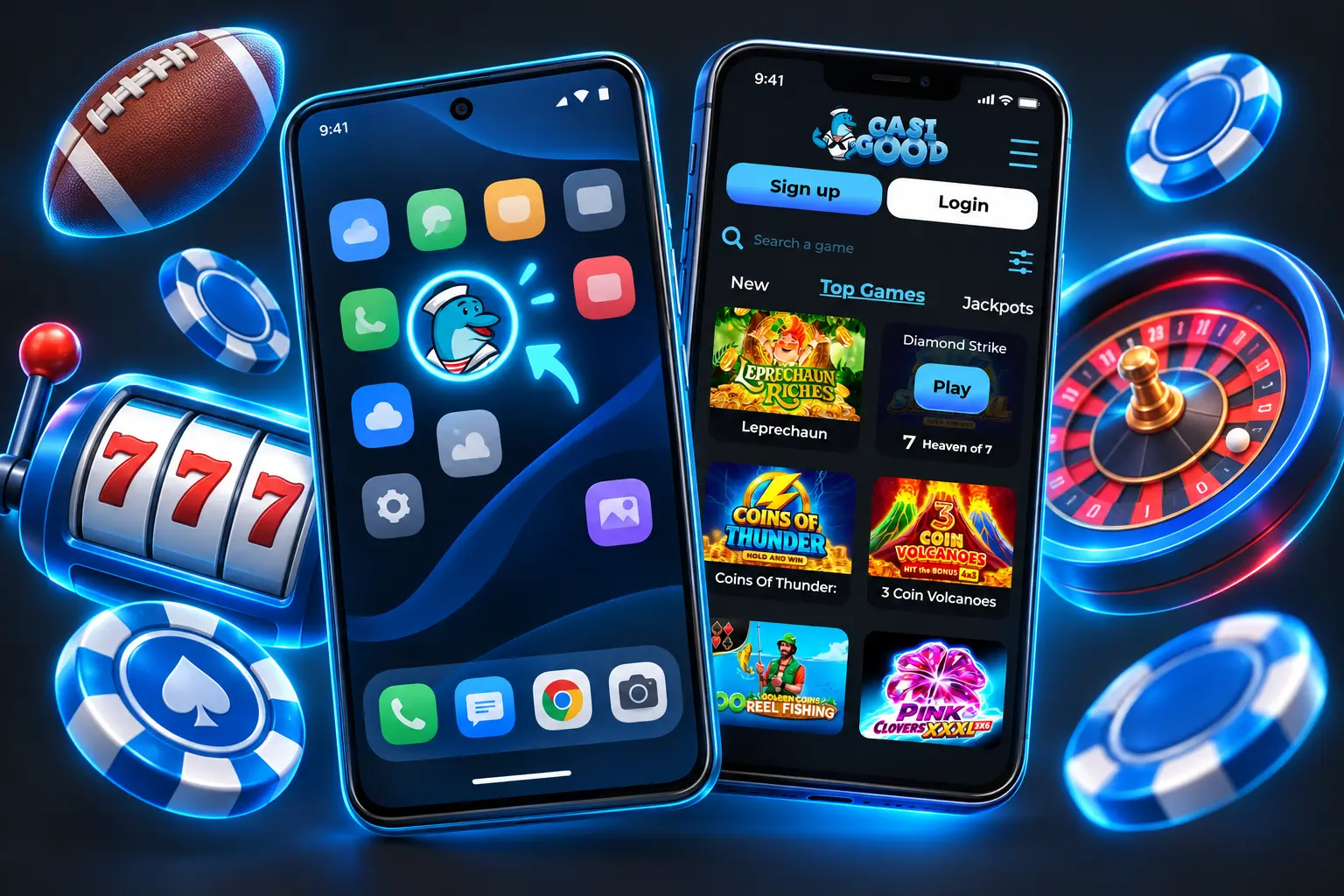
About the Casigood App
One account works on desktop and phone, so your balance, bonuses and bets are the same everywhere. The table compares the two ways to play on mobile.
| Mobile browser | Home-screen web app | |
|---|---|---|
| Install | Not needed | Add to Home screen once |
| Launch | Open the site | Tap the Casigood icon |
| Account | Same login | Same login |
| Games, sport, Prizes box, Cashbox | Yes | Yes |
Back to the Casigood overview.
Install Casigood on Android
Use Chrome on your Android phone. It takes four taps, and the highlighted element on each picture is the one to press.
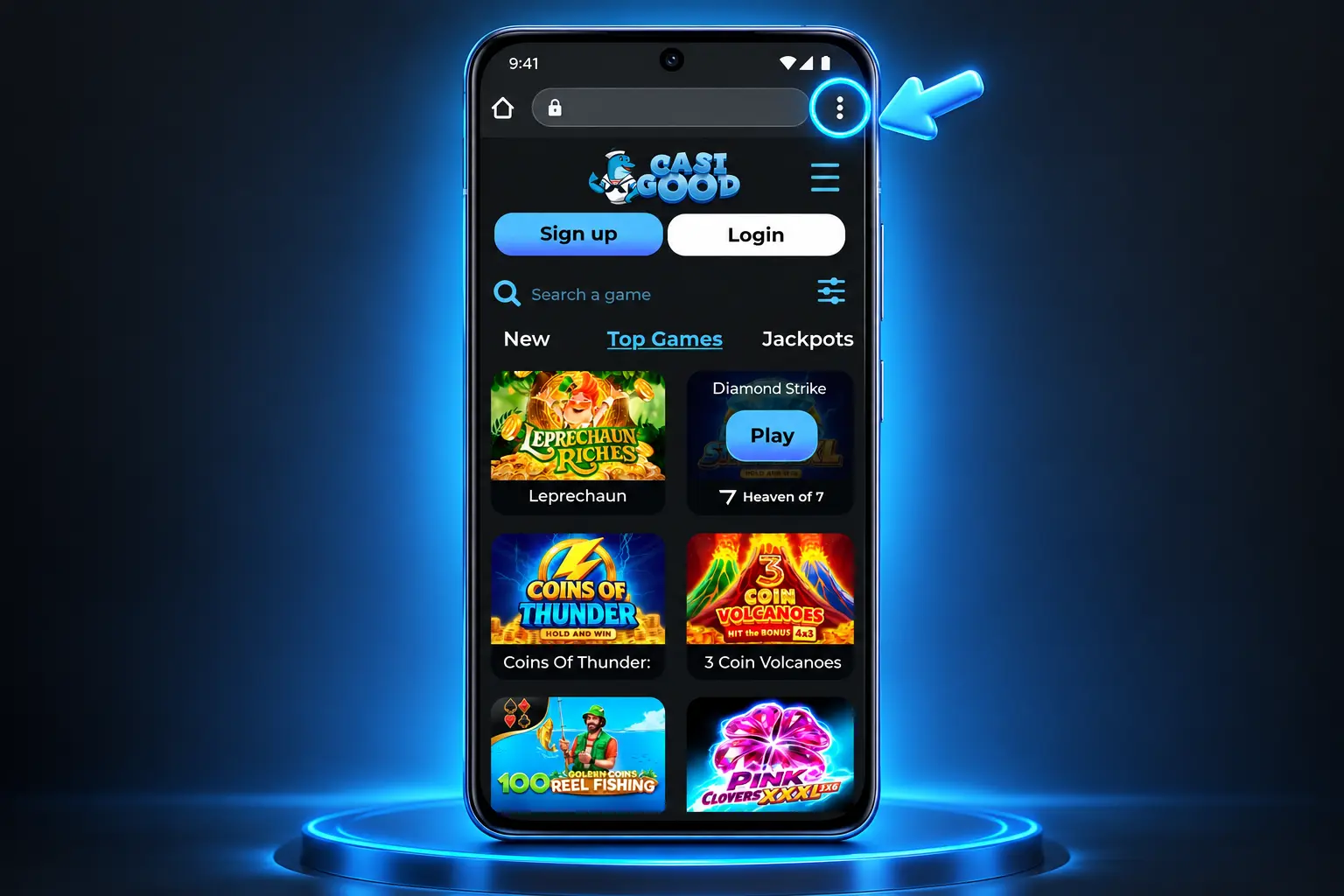
Open Casigood in Chrome
Use the download button on this page, then tap the menu button (three dots) in the top right corner.
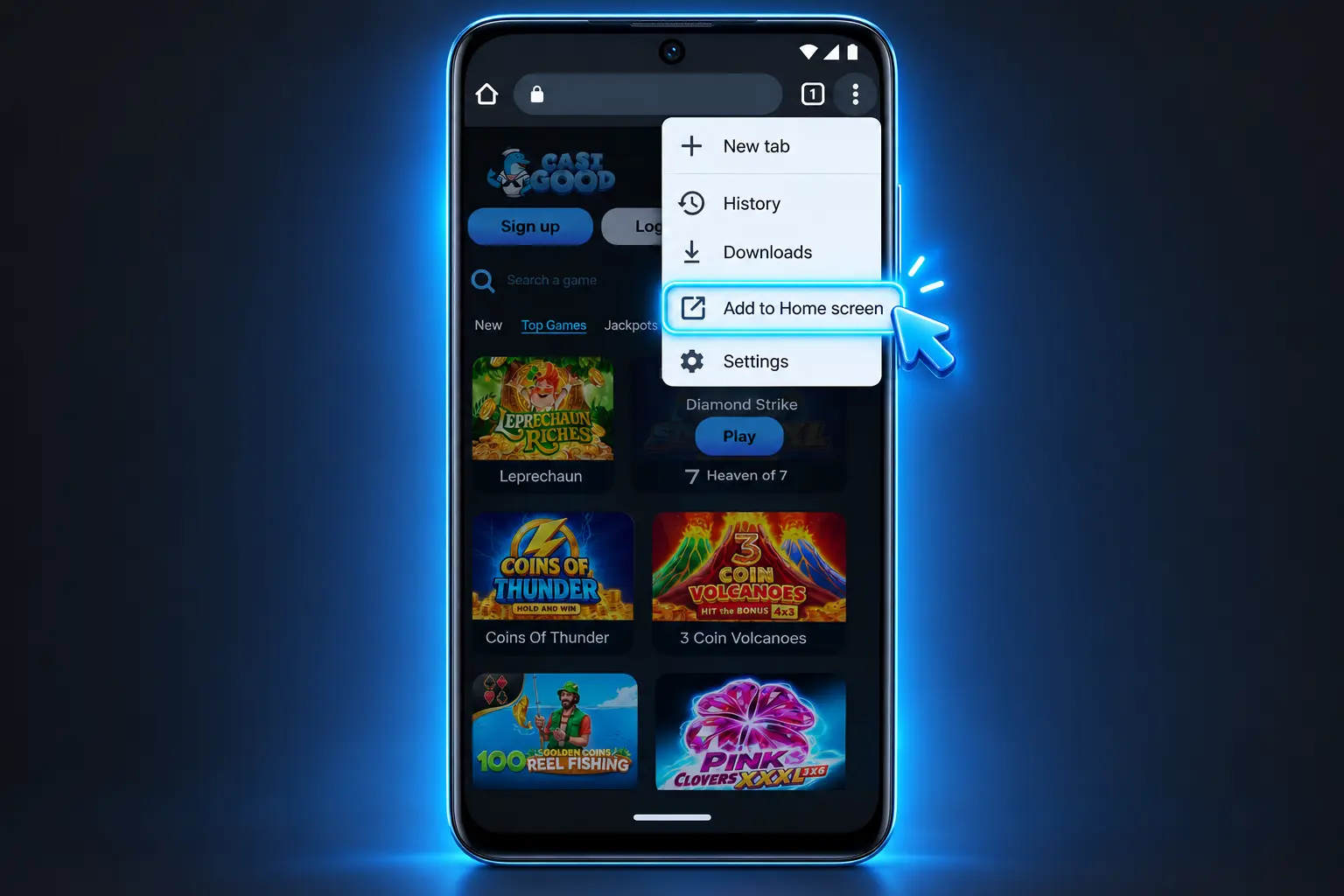
Choose Add to Home screen
In the menu pick Install app or Add to Home screen.
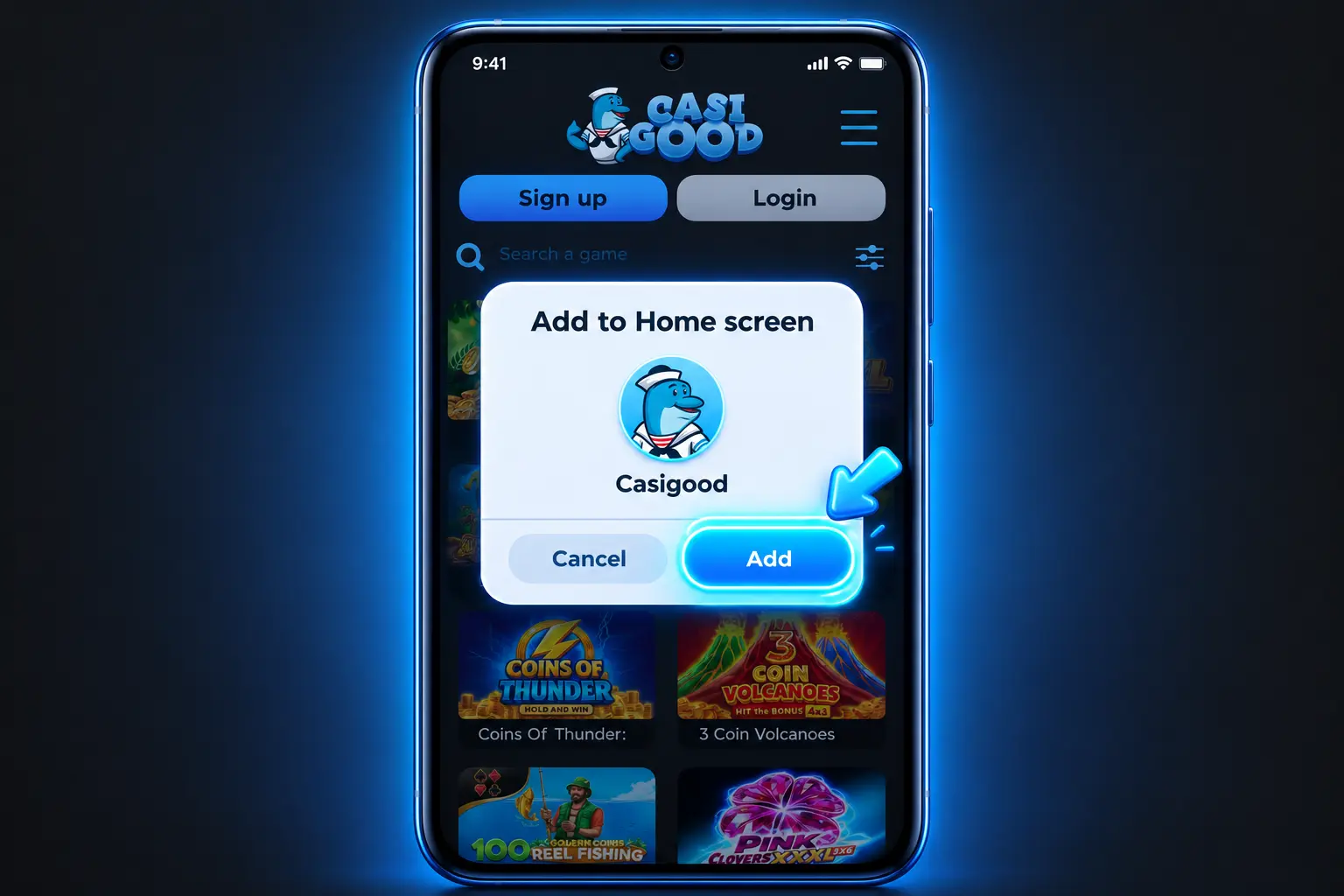
Confirm
Tap Install or Add in the window that appears.
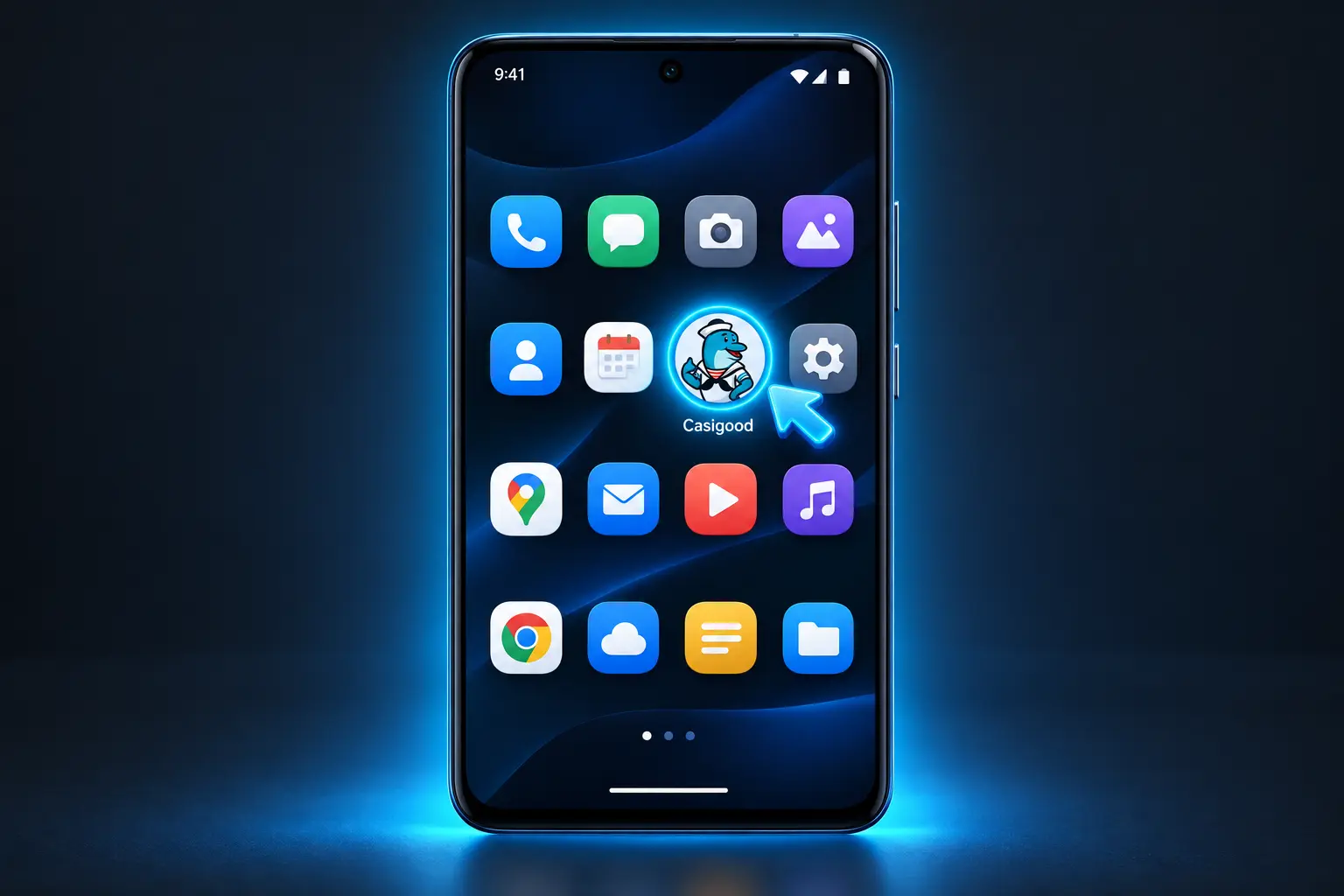
Launch from the home screen
Open the Casigood icon and log in or register.
Install Casigood on iPhone and iPad
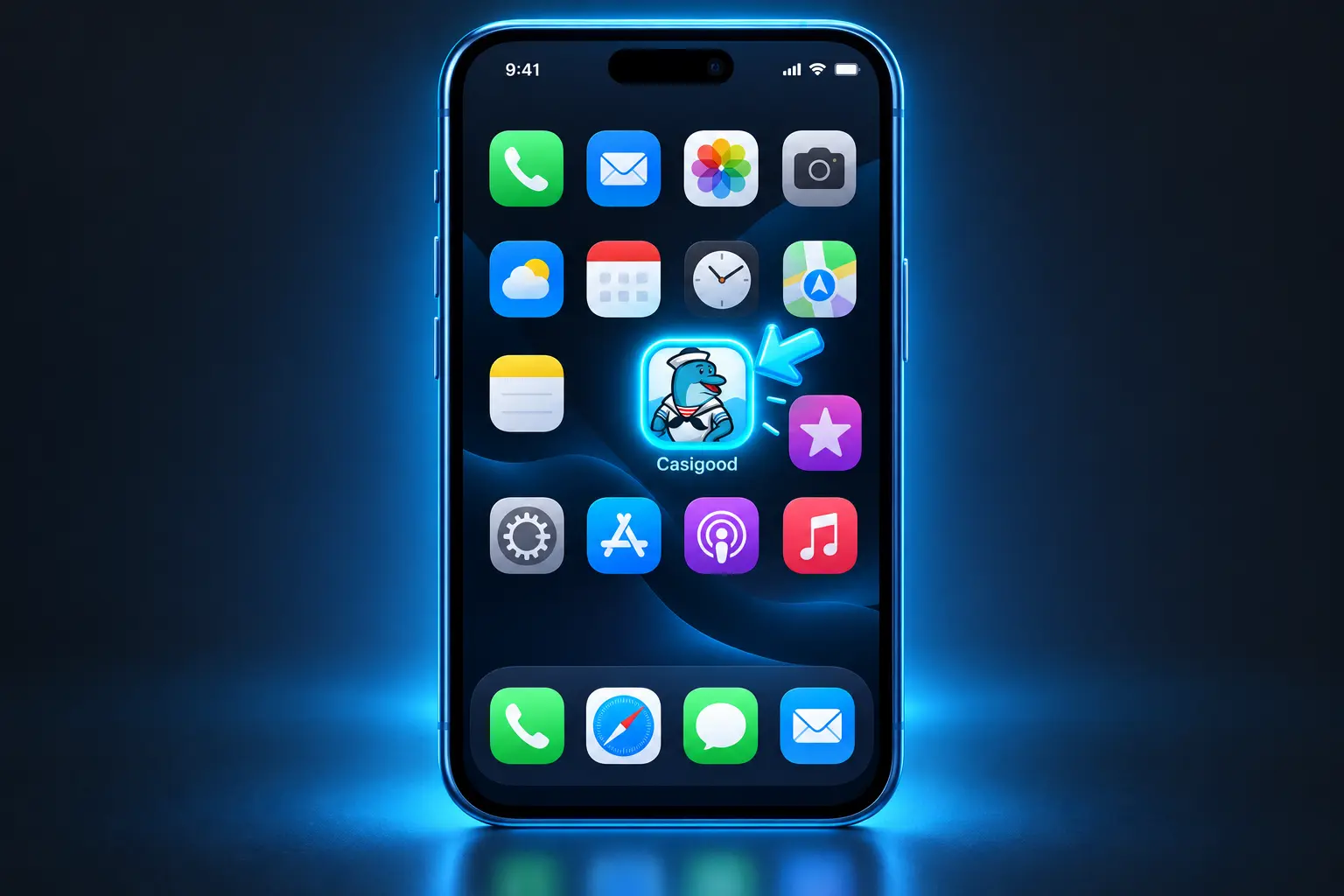
Use Safari on your iPhone or iPad. It takes four taps, and the highlighted element on each picture is the one to press.
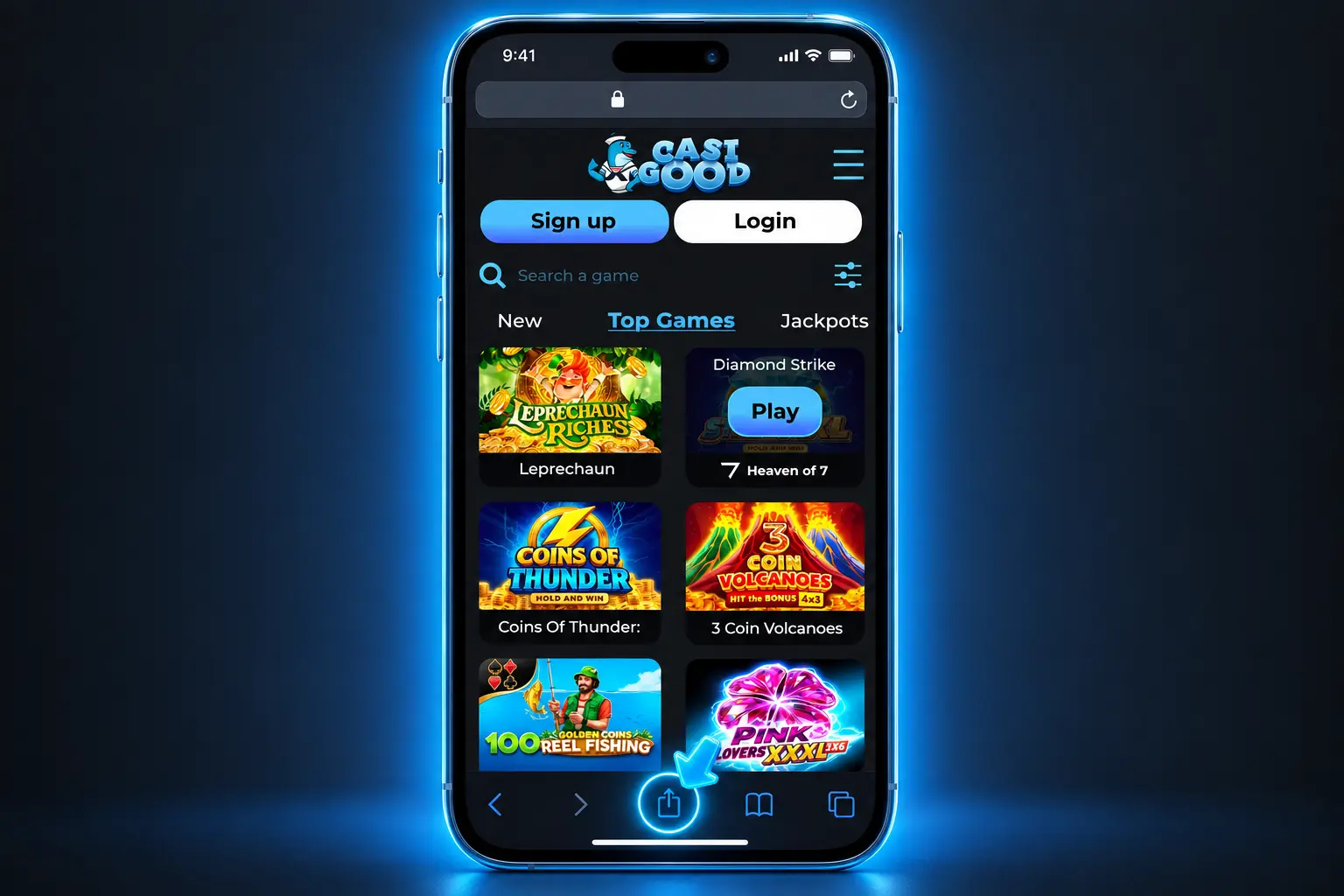
Open Casigood in Safari
Use the download button on this page, then tap the Share button (a square with an arrow) at the bottom.
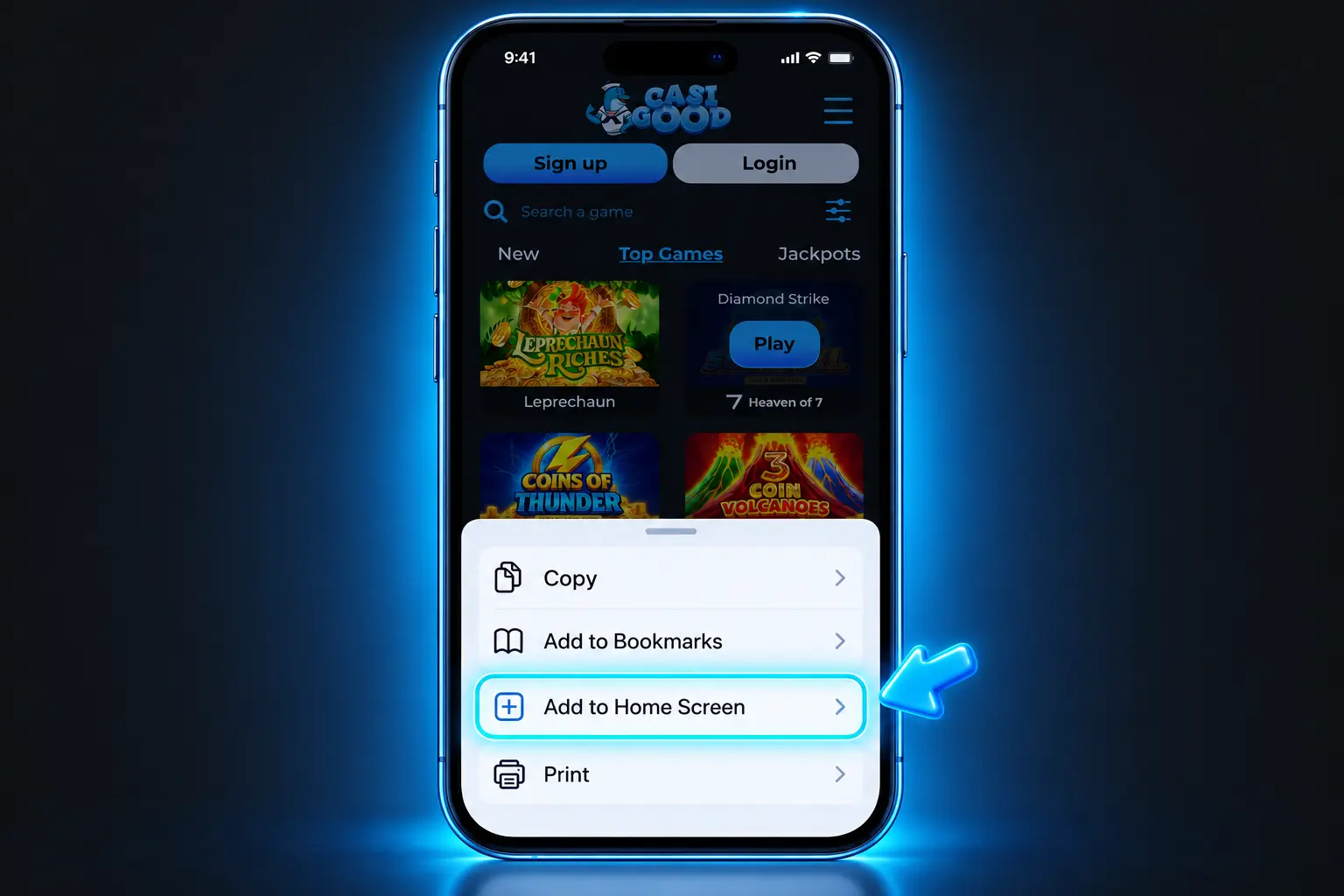
Tap Add to Home Screen
Scroll the share sheet down and tap Add to Home Screen.
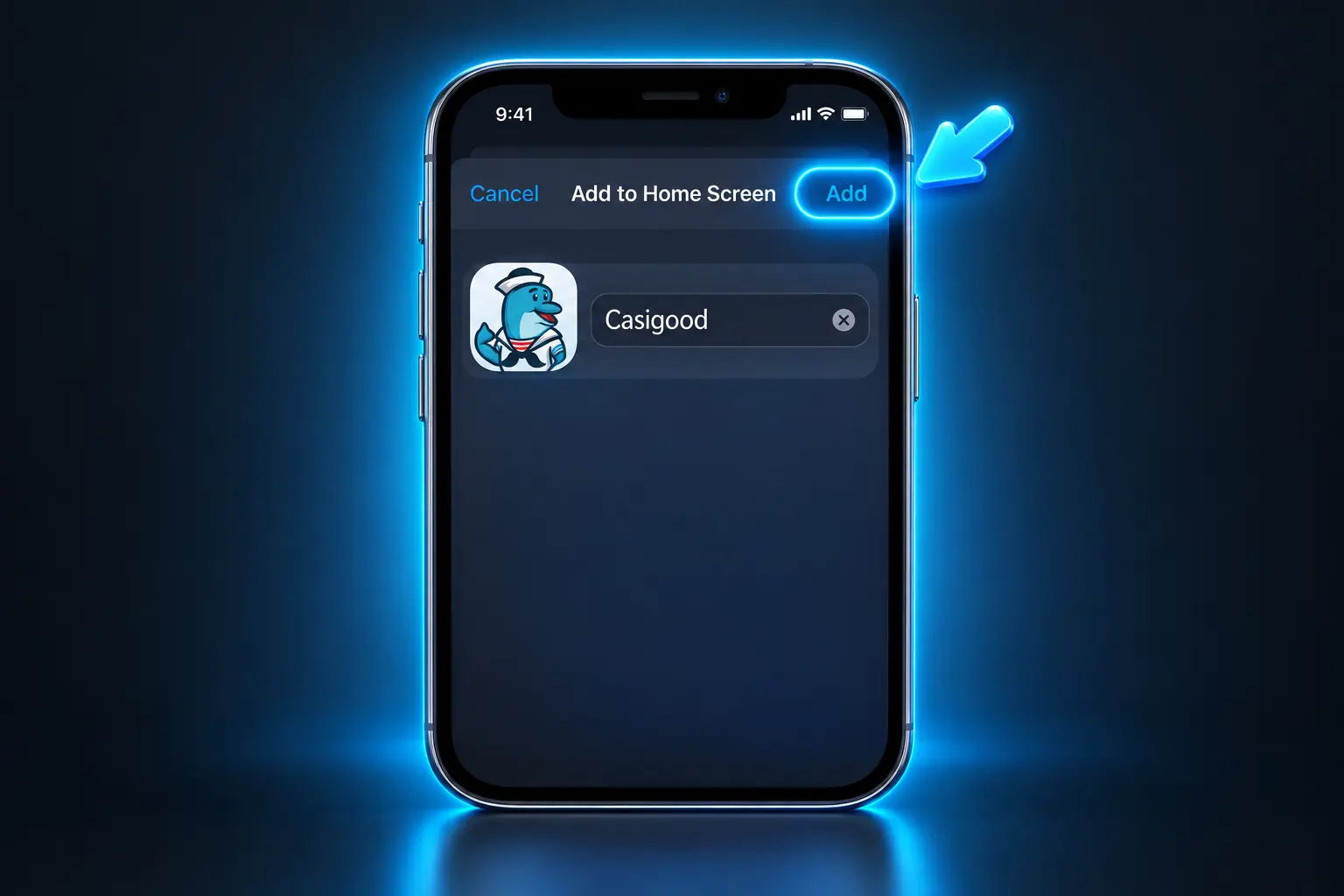
Tap Add
Check the name Casigood and tap Add in the top right corner.
Launch from the home screen
Open the Casigood icon and log in or register.
What You Can Do on Mobile
The mobile version has the same features as the desktop site. Here is what is available.
| Area | What you get |
|---|---|
| Casino | Slots, table games, live casino, crash and other games, with search and filters |
| Sport | Pre-match and live bets, bet slip, minimum stake 0.10 EUR |
| Prizes box | Prize draws with fixed prize pools |
| Promo | Welcome offers from 20 EUR, activated before the deposit |
| Cashbox | Visa, Mastercard and crypto, withdrawal history |
| Support | Online chat |
FAQ
Is the Casigood app free?
Saving Casigood to your home screen costs nothing. Deposits and bets are your own choice.
Which phones are supported?
Android phones with Chrome and iPhones or iPads with Safari. Any modern mobile browser can open the site.
Do I need a new account?
No. Log in with your existing details or register once.
How is the app updated?
It opens the live site, so updates arrive without a download.
Can I play without installing?
Yes. The mobile browser version has the same games, sportsbook and cashier. See the login guide.
Updated: